Flow Links allows you to connect parts of flows without a direct connection.
It can be used to:
Make flows easier to read by avoiding long or diagonal connections.
Move jobs from one flow to another without using intermediate hotfolders.
Send a copy of a job to another part of a workflow, for example to an archive flow.
A Flow Links Send element sends a job to a Flow Links Receive element using a shared Channel value.
When a job arrives at a Flow Links Send element, Flow Links looks for an active Flow Links Receive element with the same Channel value.
The job is then moved from the Send element to the Receive element, including its metadata and datasets.
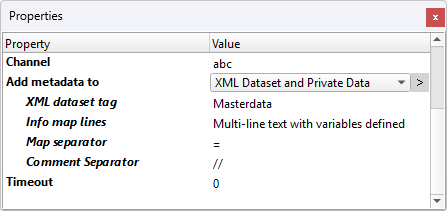
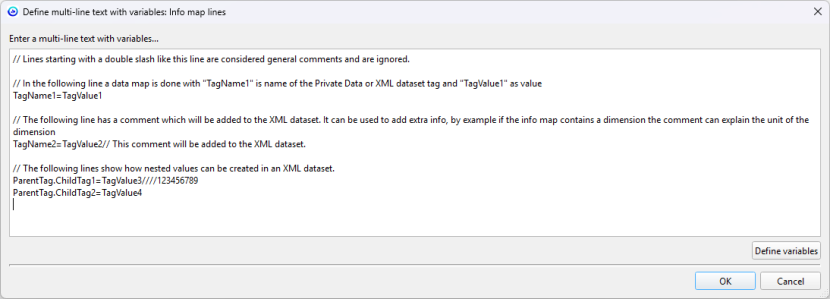
It is also possible to add metadata in the Send element, with compatibility with the Data Mapper app.
Great app!
Flow link is a very useful tool to make complex flows easy, as it was its predecessor.
The most valuable feature is the ability of adding metadata ("private data" can be used even if you don't have the Metadata module) but it lacks of flexibility: the scope is not selectable and links go over your whole list of flows on Switch.
It would be nice to have the ability of setting a "Flow" or "Switch" environment the link have to work in.
Flow Links works perfectly and simplistically and without the need for a middle-man folder on my local drive.