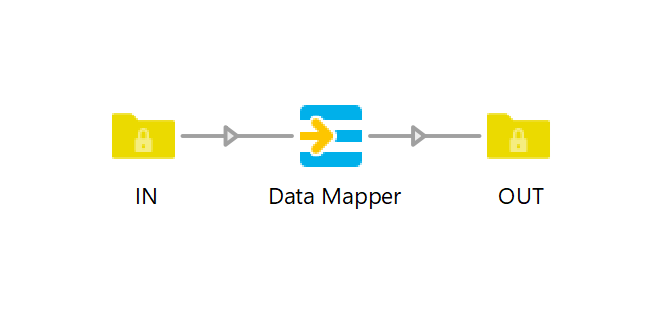
Data Mapper is an alternative to adding private data through the Folder element.
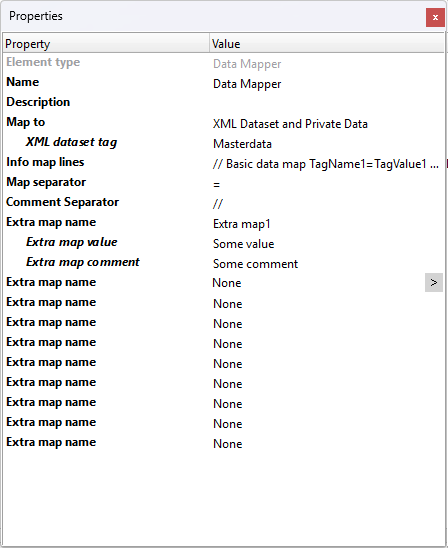
It allows data to be stored in Private Data, an XML dataset, or both.
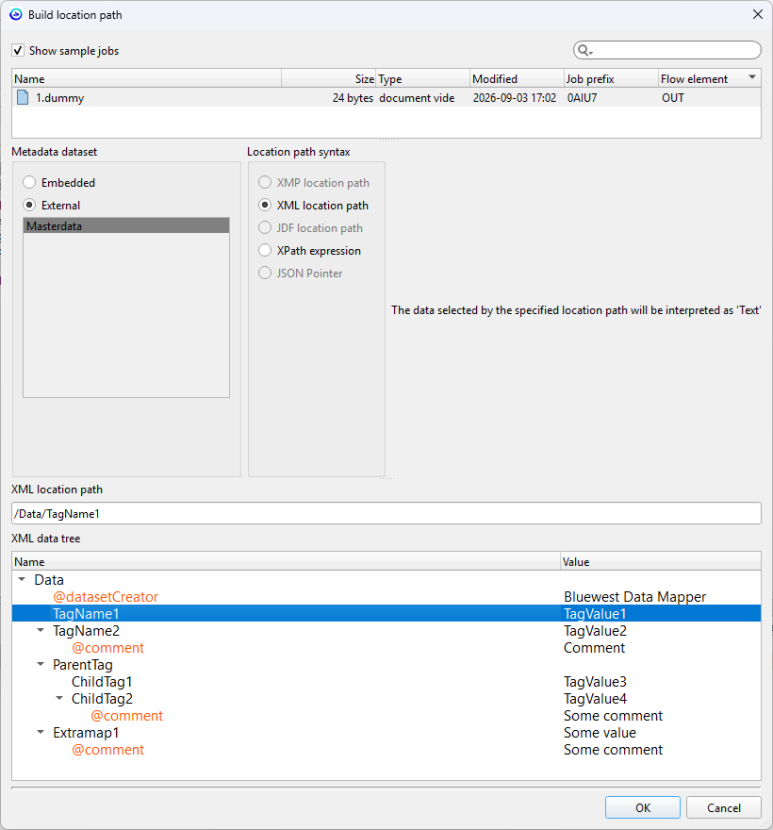
When using an XML dataset, the Switch dataset browser makes it easier to access stored data without having to remember the exact private data tag name.
The XML dataset uses a fixed structure, with a simple syntax making the stored data easier to inspect and use when creating Switch variables.
An existing dataset can also be edited and enriched with new values or updated values. This makes it possible to map data at one stage of a workflow and add or modify it later.
Comments can also be added to data maps stored in an XML dataset.
Use case
Store data in an XML dataset that can easily be browsed from Switch variables.
Store Private data containing multiple lines or equal signs.
Store Private data generated using conditions, variables, or script expressions.
Add comments to data maps stored in an XML dataset.
Update data previously created by Data Mapper, allowing workflows to enrich existing data with new values or modify previously mapped values.

Fantastic app, simple as pie.
We use it to map XMLs from multiple sources to a "common" XML.
The latest version allowing to create nodes adds the icing on the cake!
Awesome App! With version 3 we are able te created nested nodes inside a dataset. This gives me a lot levers to tweak my and my customers' flows. Nice job!
Very good module.
Work very fine.
Works well as described.
A little frustrating in one very specific way as I needed to map a URL and the comment function split the URL on the https:// since it sees the // as a comment.