
Phoenix Dies connects Enfocus Switch directly to your Enfocus Phoenix die design and template libraries. Import CAD files and imposition templates, and keep both libraries clean - automatically, from inside a flow.
Eliminate manual die-library maintenance and enable reliable end-to-end integration across your packaging workflow, while saving up to 100 hours of configuration and development time. Phoenix Dies is especially useful for converters onboarding new dies continuously, keeping your CAD output and Phoenix in sync.
Whether you're onboarding a die straight out of ArtiosCAD, re-importing a template after a revision, or clearing out a retired job's leftovers, Phoenix Dies lets you do it without clicking through the Phoenix interface. One app, both libraries.
Look up entries by Name, ID, External ID, Description, or Path using familiar operators like Equals, Contains, and Starts With. Match one entry or sweep a whole folder in a single job.
Packaging and prepress teams using Enfocus Phoenix who need to automate die-library synchronization through API-based workflows, including CAD import, template re-import, and cleanup of superseded entries from upstream systems.
Significans Automation Inc. specializes in delivering next-generation automation to the Printing and Packaging industry. The company offers programming and expertise in custom workflow development, communication and project management, color management, prepress training, and end-to-end business integration. The company is driven by the conviction that customized automation is the only path forward.
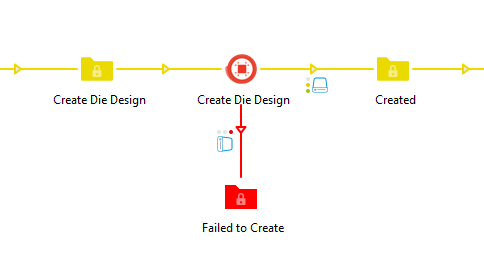
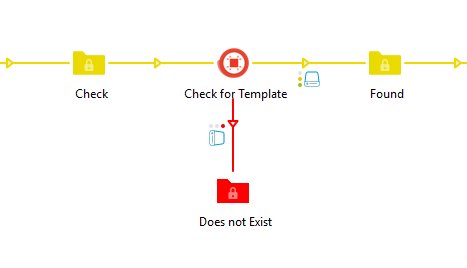
The Phoenix Dies app perfectly bridges the gap between our Switch workflows, Phoenix, and our structural team. It automatically uploads the MFG files to Phoenix from export to layout with no delays or manual intervention.
Excellent work and an excellent product!

