
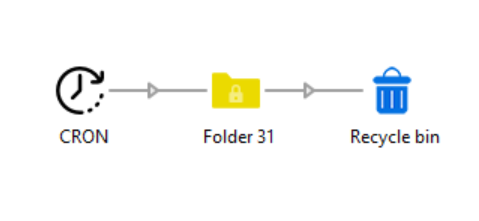
Cron turns Enfocus Switch into a true task scheduler. Instead of waiting for an incoming job, Cron fires on its own: it injects a trigger job into your flow at the moment you define, so you can automate time-based workflows without any external tooling.
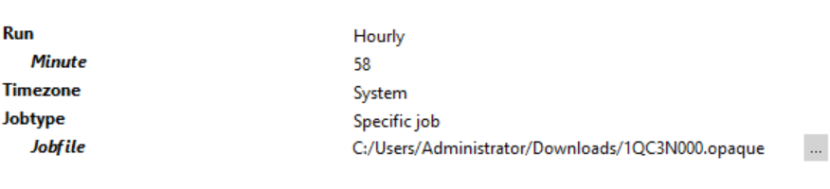
Flexible scheduling modes Choose from five intuitive modes — Hourly, Daily, Weekly, Monthly, and Yearly — each with configurable hour and minute fields so you can target any time of day. For advanced use cases, switch to Cron style and enter a standard 5-field cron expression with full support for wildcards, ranges, steps, start/step notation, and comma-separated combinations (e.g. 0 9 * * 1-5, */15 8-18 * * *, 30 6,18 1-7/2 * *).
Timezone-aware Evaluate your schedule against the Switch server's local time or UTC — useful for flows that run across time zones or need to align with UTC-based systems.
Choose what gets injected Use a lightweight dummy trigger file (ideal for flows that only need a time signal) or point Cron to a specific file or folder on disk that gets re-injected on every tick.
Built-in validation The hour, minute, and cron expression fields are all validated in the Switch properties panel before the flow runs, catching mistakes early.
Typical use cases
Very useful app that works well.

